
Lo-fi Dusk Photo Editing Prompt | AI Photo Editing
Create viral lo-fi dusk photos with this AI editing prompt. Get a dreamy, cinematic evening look with soft lighting, grain and aesthetic tones.
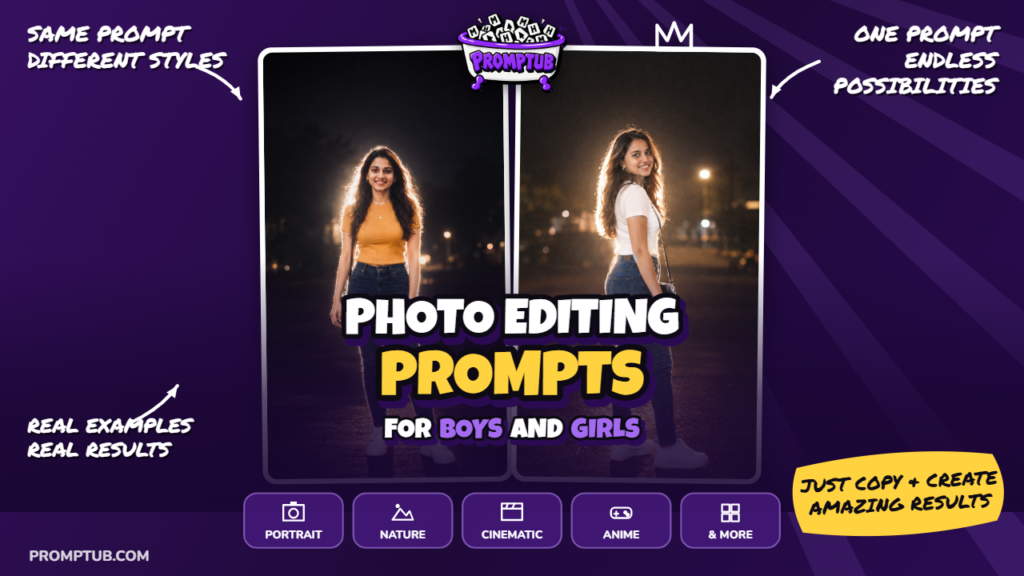
More results from this prompt
ChatGPT results
Give your photo a glowing nighttime look with soft white light around your hair, shoulders, and clothing. This prompt creates a portrait where you stand out against a dark background, with a gentle haze around the brightest edges. The result is meant to feel dreamy while keeping the person and their surroundings believable.
The light behind you is the main feature of this edit. It catches loose strands of hair and outlines your figure, while a little light from the front keeps your face visible. Together, they create the feeling of a flash photograph taken outside after dark.
The background stays quiet, with faint shapes and a few distant lights disappearing into the shadows. That leaves room for your expression, outfit, and the glow around you to become the focus. The picture has an intimate evening mood, like a favourite photograph from a late night out.
There is also a nostalgic quality to the look. Slight grain, soft edges, and muted colours give it the character of an older digital-camera picture. Bright parts of the clothing catch the light, adding to the spontaneous flash-photo feel.
This prompt focuses on lighting and atmosphere rather than a particular outfit. You can try it with casual clothes, traditional wear, or a look you already enjoy. Different fabrics and hairstyles will give the light different edges to catch, making each version a little different.
Upload your photo and paste the prompt below to try this glowing night portrait. If you like soft evening pictures with a little Y2K camera nostalgia, this is a creative way to give an everyday image a new atmosphere.
Choose a photograph that shows enough of your hair, shoulders, and outfit for the lighting effect to be visible. A portrait with some space around the person gives the glow room to appear. You can use a daytime image as your starting point; the prompt describes the new nighttime setting.
There is no fixed clothing colour, hairstyle, or accessory required for this edit. The main idea is the white light surrounding the person against the dark scene. Lighter fabric may look brighter under the flash, while darker clothing can show a clearer outline around its edges.
Unlike some identity-focused prompts, this text mainly describes the photographic effect. If you want your face and outfit to stay close to the uploaded picture, add: “Use my uploaded photo as the reference and keep my face, hairstyle, and clothing unchanged.” This makes your preference clear before you generate.
The glow should follow the person’s outline, especially around the hair and shoulders. Your face should remain visible inside that light, with natural skin and a recognizable expression. The effect works best visually when you can still enjoy the small details of the person.
A little softness and grain are part of the intended finish. They help create the familiar feeling of an older camera used at night. The distant background lights and faint haze add atmosphere without needing a detailed location.
When your image is ready, look for a balance between the glow and your original appearance. Choose a version where the light feels connected to the scene and your features remain clear. The appeal is that combination of a familiar face, a dark evening setting, and soft light catching the edges.