Home › turn your photo into Instagram editorial post with your own character and styling.

turn your photo into Instagram editorial post with your own character and styling.

ChatGPT Updated 2026-10-09

Recreate the polished look of a viral Instagram editorial post with your own character and styling.
turn your photo into Instagram editorial post with your own character and styling. — Recreate the polished look of a viral Instagram editorial post with your
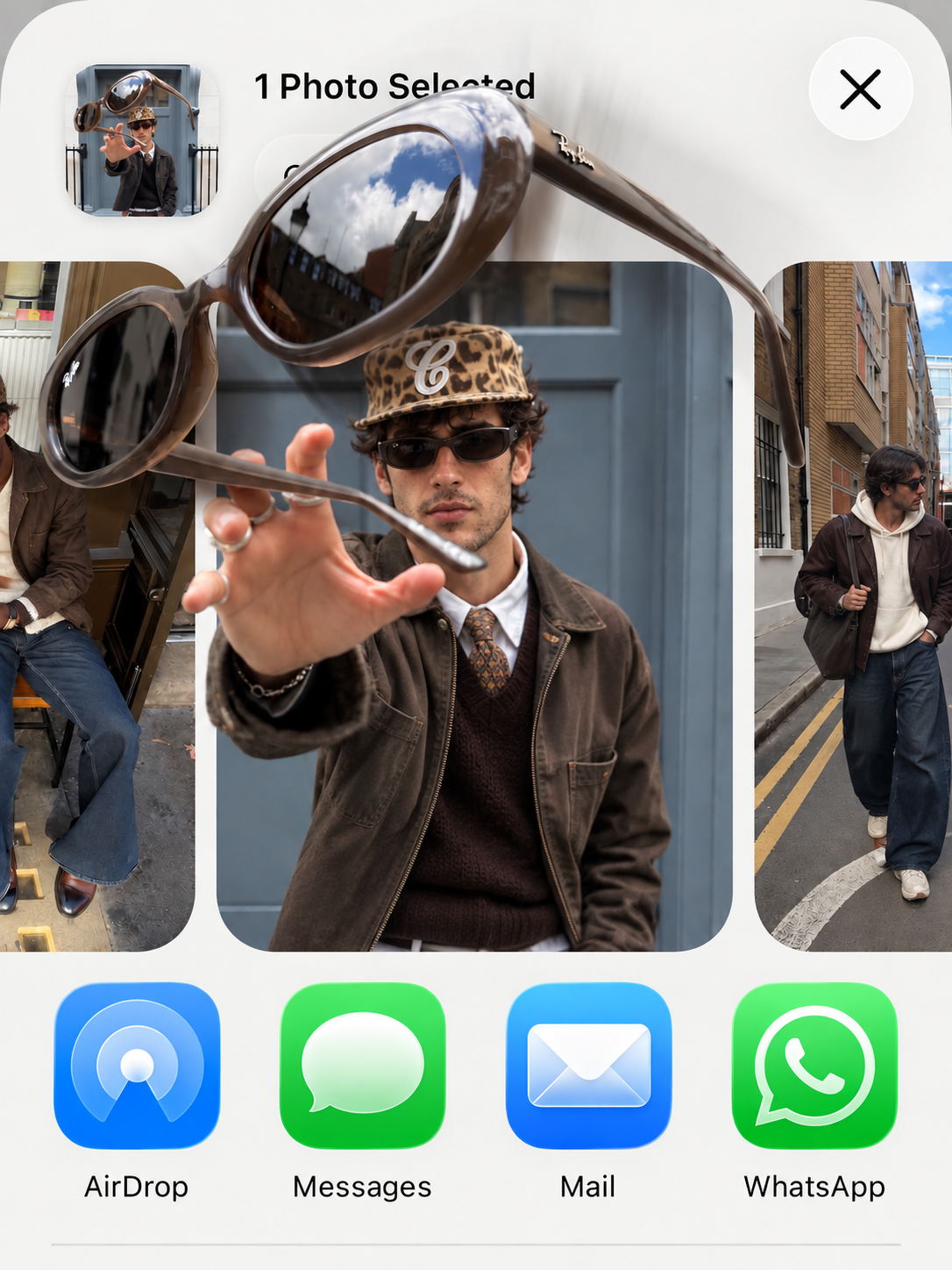
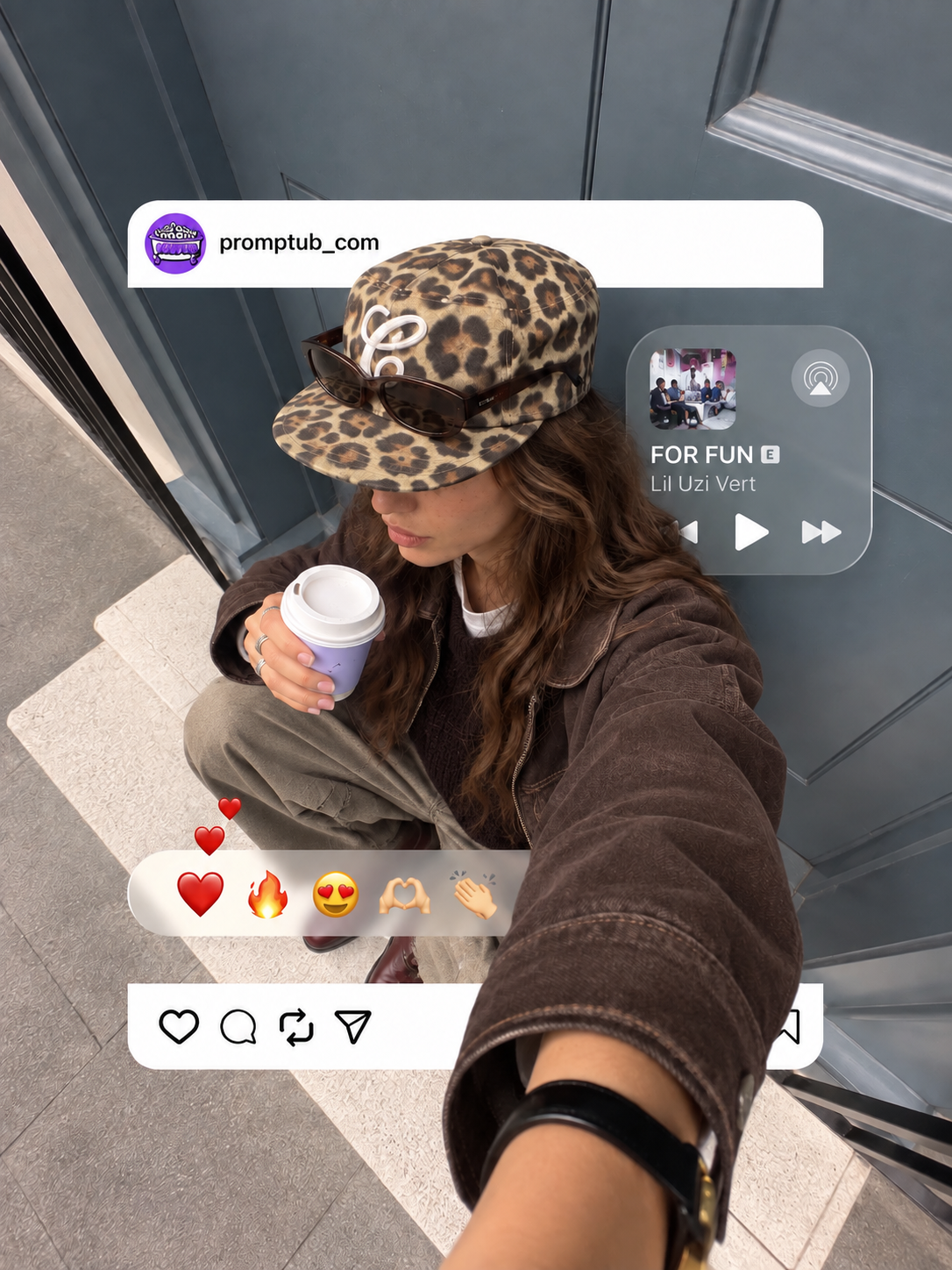
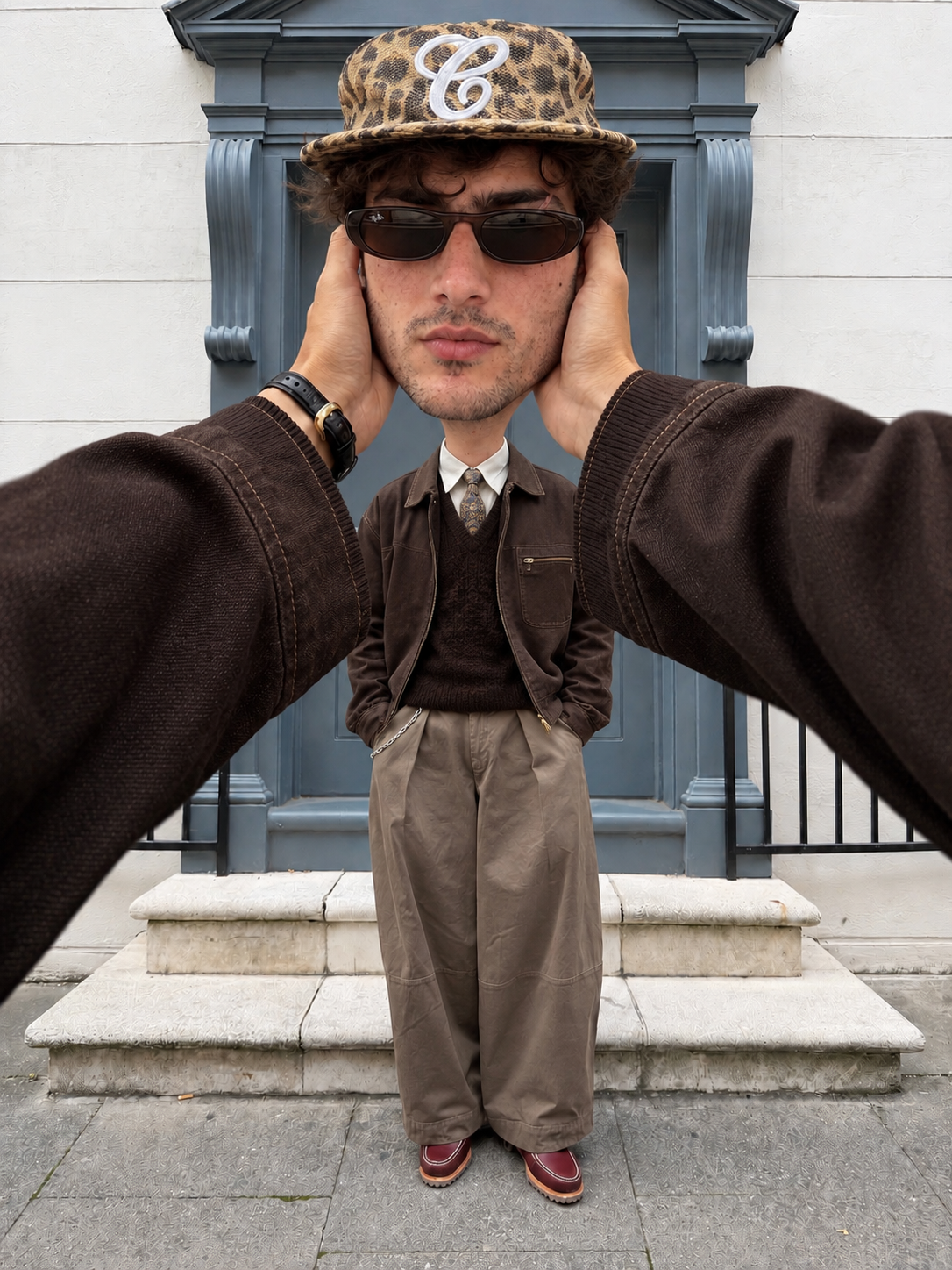
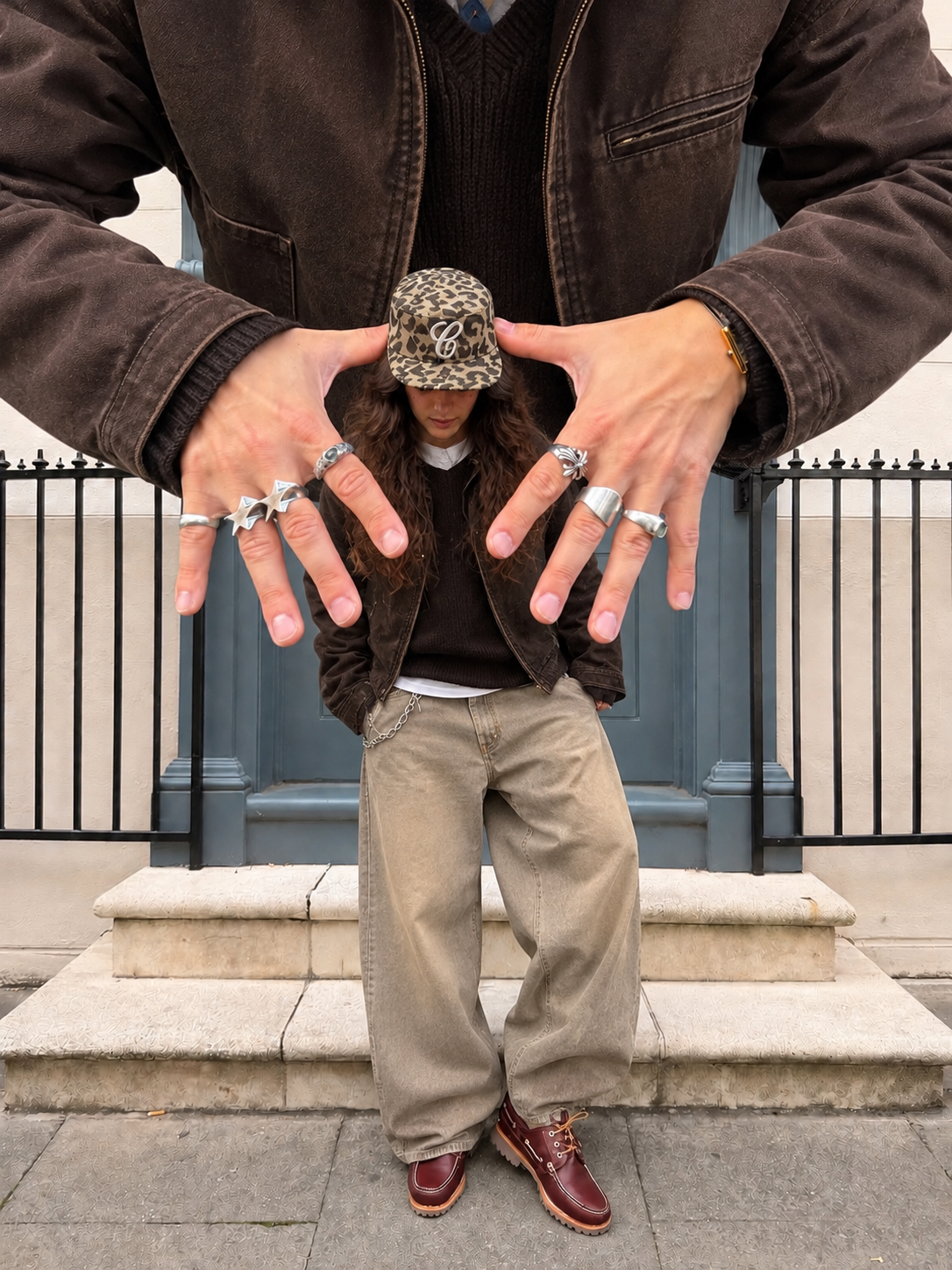
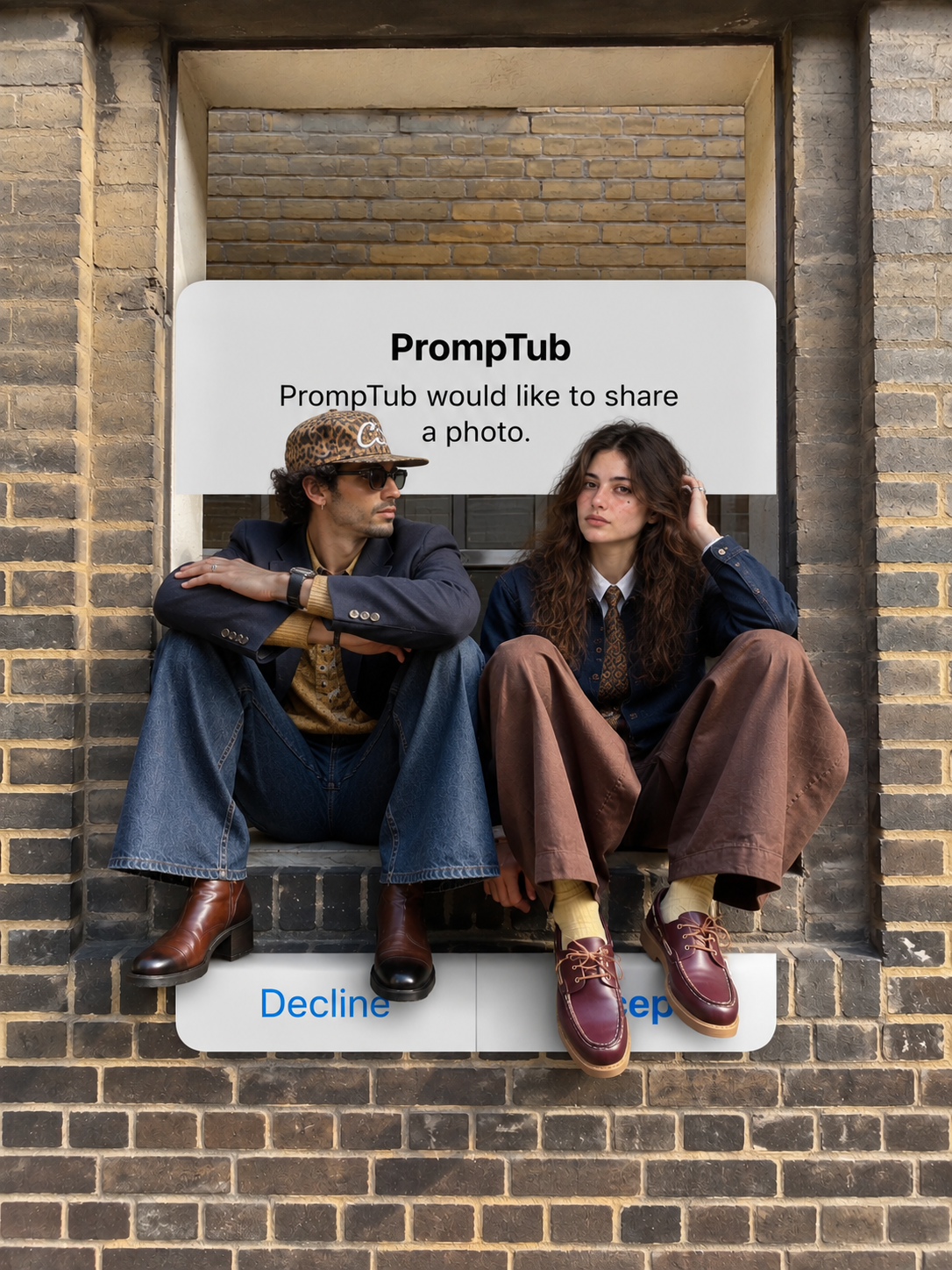
Example output — this is what the prompt produced. 16:9 aspect ratio.

Reference images

Save these and give them to the AI along with the prompt.
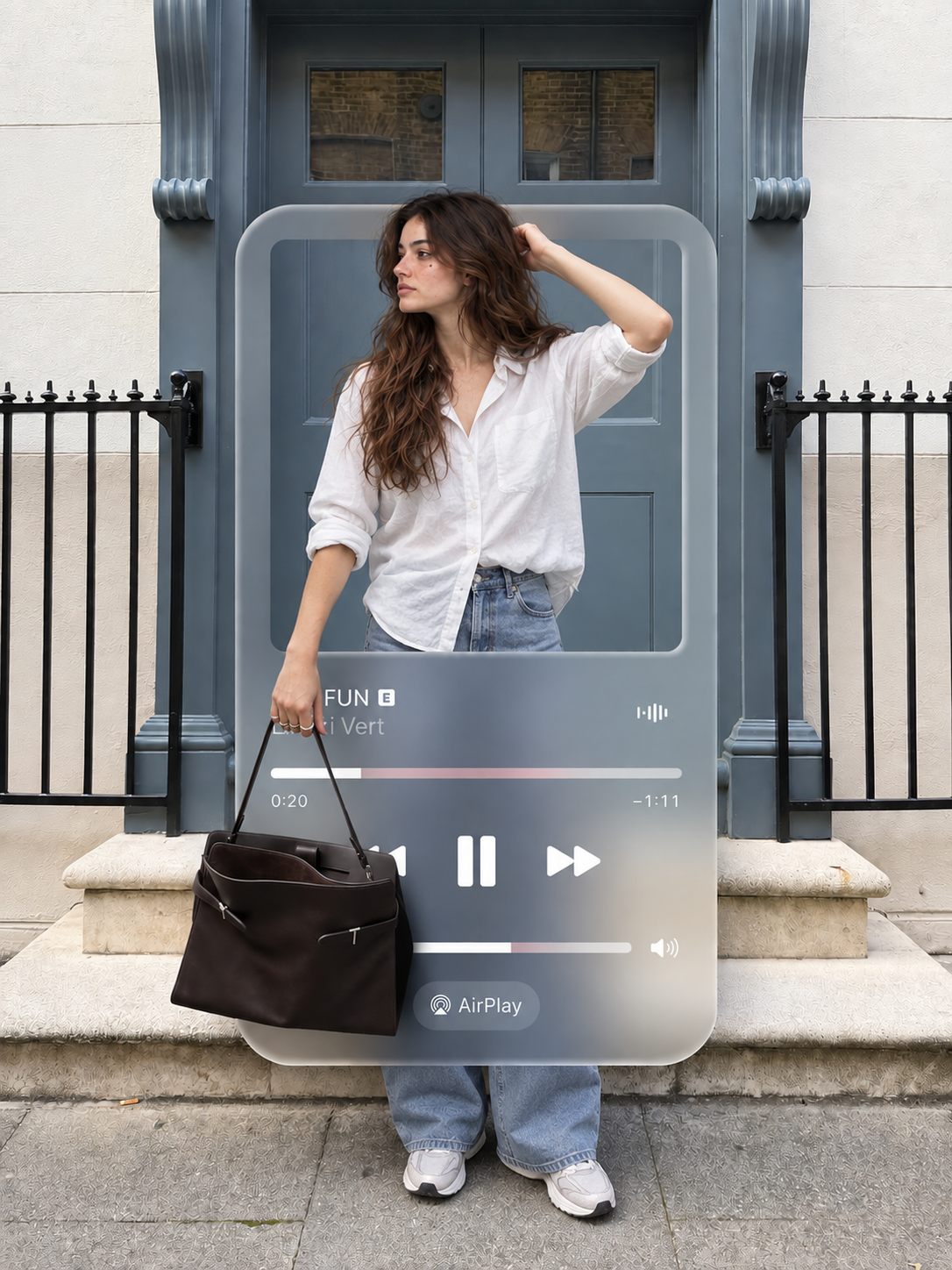
Found a photo style you would love to try with your own face? This prompt helps you put yourself into the reference scene while following its outfit, pose, background, and overall look. It is an easy way to try a different style without having to describe everything in the picture yourself.

The reference image for this edit is available on this page. Save it and upload it together with a clear photograph of yourself. Your photo provides your identity, while the reference shows the AI which scene to follow. You need both images to use this prompt as intended.

The idea is to make you look like you belong in the selected picture. Your position, clothing, and expression follow the person in the example, while the prompt asks to keep your own facial features recognizable. That includes your face shape, skin tone, hairstyle, and the small details that make you look like yourself.

What makes this useful is being able to choose a complete look from a picture. You can see the setting and styling before you begin. There is no need to work out how to explain the background or where to place your hands—the reference gives the AI those details.

For this edit, our recommended tool is ChatGPT. Upload your photograph and the reference image, then copy and paste the prompt below. Choose a personal photo with a clearly visible face so the tool has a useful starting point.

If you have wanted to see yourself in the look shown on this page, this prompt gives you a simple way to try it.

The prompt 2,884 characters
Use the uploaded character reference image as the single and absolute source of truth for the person’s identity and appearance. Replace ONLY the original person in the target image with the person from the uploaded character reference. Preserve the reference person’s exact facial identity, face shape, facial proportions, eyes, eyebrows, nose, lips, jawline, skin tone, natural skin texture, hairstyle, hairline, and other recognizable features. Do not beautify, reshape, slim, smooth, symmetrise, age, de-age, or reinterpret the face. Do not create a similar-looking person. The result must clearly be the same person from the uploaded character reference. Keep EVERYTHING ELSE from the target image unchanged. Match the replacement character precisely to the original person’s: - exact body position and pose - hand and finger placement - head angle and gaze direction - facial expression - camera perspective - framing and crop - body scale and proportions within the scene - clothing and accessories - interaction with objects - lighting and shadows - depth of field - lens perspective - background and environment - composition - color grading - photographic style - motion blur, reflections, and atmospheric effects The replacement must naturally occupy the exact same position as the original subject. Adapt the reference character’s body and clothing only as necessary to reproduce the original subject’s pose and styling, while keeping the person recognizable. If the original image contains oversized hands, foreground elements, unusual perspective, floating UI elements, reflections, or other visual effects, preserve their exact relationship to the replacement character. Do not modify, remove, redesign, or add any background elements or props. Do not change the image’s original composition or visual concept. This is a character replacement, NOT a recreation. Maintain realistic anatomy, natural skin texture, realistic hair strands, physically accurate lighting, authentic shadows, and photographic detail. The final result should look as if the uploaded character was originally photographed in the exact same scene, wearing the exact same styling and performing the exact same pose as the original subject. Strictly avoid: identity drift, face swapping artifacts, altered facial features, generic faces, beautification, artificial skin, distorted hands, extra fingers, missing fingers, duplicated limbs, warped clothing, incorrect proportions, changed background, changed composition, added objects, removed objects, CGI appearance, cartoon appearance, plastic skin, or AI-generated facial artifacts. OUTPUT: Ultra-realistic high-resolution photograph. Preserve the original target image’s aspect ratio, framing, camera perspective, lighting, color grading, and overall visual appearance exactly.

Start by saving the reference image from this page. This is the example picture you want your edit to follow. Keep your own photograph ready as well, because the two uploads have different purposes: one shows who you are, and the other shows the look you want.

When you attach them, make their roles clear. A short line such as “This is my photo, and this is the scene I want to appear in” is enough to introduce the images before you paste the full prompt. You do not need to rewrite the long instructions.

Your original photograph can be a simple portrait. You do not have to wear the outfit from the example or find a similar location. The prompt asks the AI to use the styling and surroundings from the target image, with your face as the identity reference.

Choose a photo where your face is uncovered and easy to recognize. A picture with a heavy filter or a face hidden behind a phone gives the tool less useful detail to work with. An ordinary, clear photo is a good place to start.

The aim is to follow the example closely, though an AI edit may still change small details. Before saving, check your face and the parts of the reference that matter most to you. Exact identity and background preservation are requests in the prompt, rather than guaranteed results.

Once your version is ready, you have a personal take on the reference look, using your own photograph as the starting point.