Home ›
Create Golden Hour Cinematic Portrait Prompt for Boys – easy to make with just one prompt
Create Golden Hour Cinematic Portrait Prompt for Boys – easy to make with just one prompt
ChatGPTGeminiGrokUpdated 2026-10-09
Upload your photo to create a realistic golden-hour rooftop portrait with cinematic lighting, a cream shirt, and a softly blurred Indian city background.
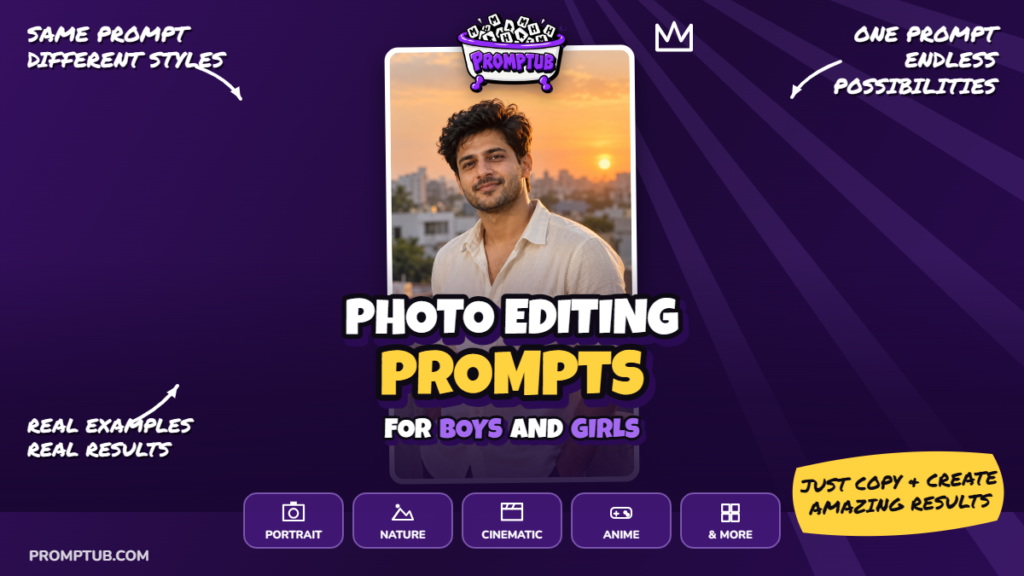
Example output — this is what the prompt produced. 16:9 aspect ratio.
A Quiet Rooftop Portrait at Golden Hour
This portrait brings together a cream cotton shirt, a familiar Indian rooftop and the soft light just before sunset. The setting is simple: a weathered concrete parapet in the foreground, with apartment buildings and rooftop water tanks fading into the distance. The person remains the main focus, while the city adds a sense of place.
The pose is relaxed, with the body turned slightly away and the face looking back toward the camera. A subtle closed-mouth smile keeps the expression understated. Rolled sleeves and natural fabric creases give the cream shirt a comfortable, everyday appearance.
Warm sunlight from the side and slightly behind the subject creates a delicate highlight along the hair and shoulder. The prompt also asks for enough ambient light to keep the shaded side of the face visible. This balance matters: the image should feel like an evening photograph, with natural skin tones and gentle shadows.
Create the Portrait With Your Own Photo
You can use this prompt with image-generation features in ChatGPT, Gemini or Grok that accept a reference photo. Upload a clear photograph of yourself, then copy and paste the complete prompt below. Choose vertical 9:16 framing if the tool provides a separate aspect-ratio option.
Use a reference photo in which your face is sharp, evenly lit and unobstructed. The prompt asks the generator to preserve your age, complexion, facial proportions and distinctive features, including natural asymmetry and visible facial hair. The result may still need revisions, so compare it with your reference before saving.
Without an attached photograph, the prompt is written to create a fictional adult Indian man approximately 25 to 30 years old. Attach your own photo if you want the portrait to represent you.
What to Expect From the Composition
The intended result is a waist-up portrait with some space above the head. Facial details should remain clear, while the buildings behind the subject become softly blurred. The 85mm lens description guides the photographic look; it does not mean a physical camera was used.
The peach and amber sky supports the warm mood without overpowering the face. There should be no elaborate set, heavy accessories or added text. The appeal of this image comes from small details: believable cotton texture, a comfortable posture and sunlight that feels natural.
The prompt5,464 characters
Create a photorealistic cinematic golden-hour portrait using the uploaded photograph as the identity reference. The finished image must show the same person in a new photographic setting while preserving their recognizable identity. Carefully retain the original facial proportions, face shape, forehead, eye shape, eye spacing, eyebrows, nose, lips, jawline, ears, skin tone, age, and distinctive facial features. Preserve natural asymmetry and any visible facial hair. Do not replace the person with a different model, make them younger, lighten their complexion, reshape their face, or apply exaggerated beauty filters.
If no reference photograph is attached, create a fictional adult Indian man approximately 25 to 30 years old with realistic Indian facial features, warm wheatish skin, short naturally textured black hair, and light, neatly maintained stubble. This fictional subject should look like an ordinary person photographed professionally rather than a celebrity or an overly polished fashion model. When a reference photograph is present, always prioritize the uploaded person’s actual appearance over this optional description.
Place the subject on a peaceful residential rooftop in an Indian city shortly before sunset. The rooftop should feel authentic, simple, and lived in. Include a weathered concrete parapet with subtle surface texture and a distant background of ordinary apartment buildings, terraces, and a few rooftop water tanks. Keep these environmental details softly blurred and visually secondary. Avoid luxury resort architecture, elaborate decorative sets, crowded streets, distracting signage, and recognizable commercial branding.
Dress the subject in a plain cream or warm off-white cotton shirt. The shirt should have a natural, comfortable fit, a conventional collar, realistic buttons, and sleeves casually rolled to the forearms. Show believable cotton texture, gentle creases around the elbows and waist, and subtle folds where the fabric follows the body. Keep the outfit modest and understated. Do not add printed patterns, logos, heavy jewelry, sunglasses, hats, jackets, or accessories that obscure the person’s face.
Frame the image as a vertical waist-up portrait. Position the subject slightly away from the exact center, leaving balanced breathing space around the head and shoulders. Turn their torso a little away from the camera while bringing their face naturally back toward the lens. Keep their shoulders relaxed and posture comfortable. One forearm may rest lightly against the rooftop parapet, provided the pose remains anatomically natural and the hands are clearly formed. Avoid stiff posing, exaggerated gestures, and awkwardly bent wrists.
Give the subject a calm, confident expression with a subtle closed-mouth smile. Their eyes should feel attentive and alive, with small, believable catchlights. Preserve the expression and personality of the reference person where possible. Do not create a broad artificial grin, overly intense stare, exaggerated emotion, or theatrical facial expression. Keep the head position natural, with only a slight tilt if it improves the composition.
Use warm, low-angle sunlight coming from one side and slightly behind the subject. The light should gently illuminate one side of the face and create a delicate golden rim along the hair and shoulder. Maintain enough soft ambient illumination to preserve detail on the shaded side of the face. Avoid harsh frontal flash, studio ring-light reflections, excessive orange color casts, and deeply crushed shadows. The lighting should feel like a real outdoor photograph taken during the final minutes before sunset.
Create a softly glowing evening sky with restrained peach, amber, and pale gold tones. A distant sun may appear as a small, softly rendered background element, but it must not dominate the portrait or create an oversized artificial halo. Keep the background brightness controlled so that the face remains the primary point of attention. Use realistic atmospheric depth between the subject and the distant buildings.
Aim for the appearance of a professional portrait photographed with an 85mm lens and a wide aperture. Keep the eyes, eyelashes, facial hair, and important facial features sharply resolved while allowing the city background to fall gently out of focus. Preserve realistic depth transitions rather than cutting the subject out with an unnatural blurred outline. Avoid excessive sharpening, exaggerated HDR effects, heavy vignettes, and artificial cinematic overlays.
Render natural skin texture, including subtle pores, fine lines, gentle tonal variation, and believable highlights. Keep the complexion healthy and realistic without making it flawless or plastic. Hair should contain individual strands and natural volume. Ensure that the ears, neck, shoulders, arms, hands, and visible fingers are proportionate and anatomically correct. Do not introduce duplicate limbs, extra fingers, distorted teeth, mismatched eyes, or warped clothing.
Finish with balanced warm color grading, soft contrast, and realistic detail. Use a vertical 9:16 composition with comfortable space above the head and a clean waist-level crop. The result should look like a believable photograph of the reference person enjoying a quiet evening on an Indian rooftop. Include no text, captions, watermark, border, logos, additional people, cartoon effects, or artificial plastic skin.
Check the Face Before Refining the Background
Start by comparing the generated face with your uploaded photograph. Look at the eye spacing, nose, jawline, hairline and skin tone. A pleasing portrait is not necessarily a close identity match.
If the face has changed, keep the original reference attached and request a focused revision: “Match the facial proportions and complexion more closely to the uploaded photo. Keep the rooftop, cream shirt and sunset lighting unchanged.”
ChatGPT, Gemini and Grok may interpret the same instructions differently. There is no tested comparison included here, so these notes do not rank one tool above another.
Keep the Sunset Warm Without Turning the Skin Orange
If the image has an excessive orange tint, ask for more neutral skin tones while retaining warmth in the sky and background. If half the face is too dark, request gentle ambient fill on the shaded side.
An oversized sun or a bright halo can distract from the portrait. Ask for a smaller, less prominent sun and restrained rim lighting. The face should remain the clearest point of attention.
Simplify the Pose if the Hand Looks Wrong
The forearm resting on the parapet is optional. Check that the wrist, elbow and fingers form a comfortable pose. If the hand is distorted, ask for a correction limited to that area. Another option is to keep both hands outside the frame while retaining the waist-up composition.
Inspect the shirt collar, buttons and rolled cuffs as well. Fabric should follow the body naturally, without warped seams or folds that merge into the arm.
Adjust One Detail at a Time
For a closer portrait, change the waist-up framing to chest-up and update the final crop instruction to match. For a more formal outfit, replace the rolled sleeves with buttoned cuffs. You can also request a simpler skyline if the buildings or water tanks draw too much attention.
Make one change per revision where possible. This helps you judge its effect and reduces the chance of losing a face or lighting treatment you already liked.
Review the Final Image
Before downloading, check for smooth, plastic-looking skin, blurred facial hair and unnatural outlines around the shoulders. Request realistic texture or more gradual background blur if needed.
Save the highest-quality version available before making separate crops for social posts or a profile picture. Keep your reference photo and the final prompt together so you can return to the same styling later.