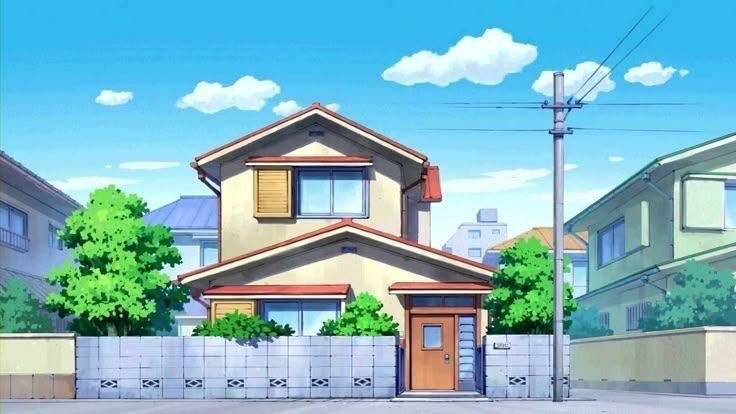
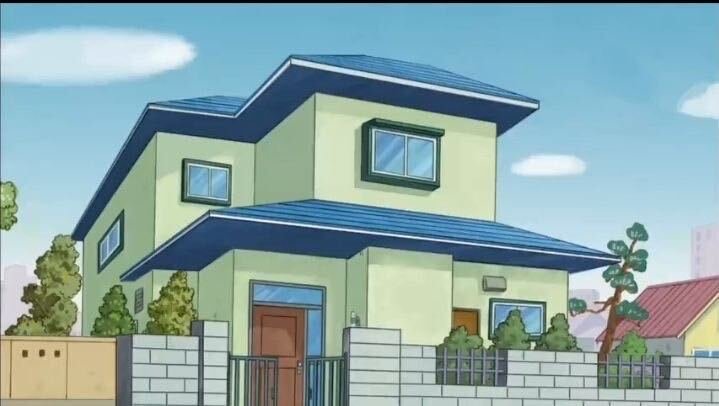
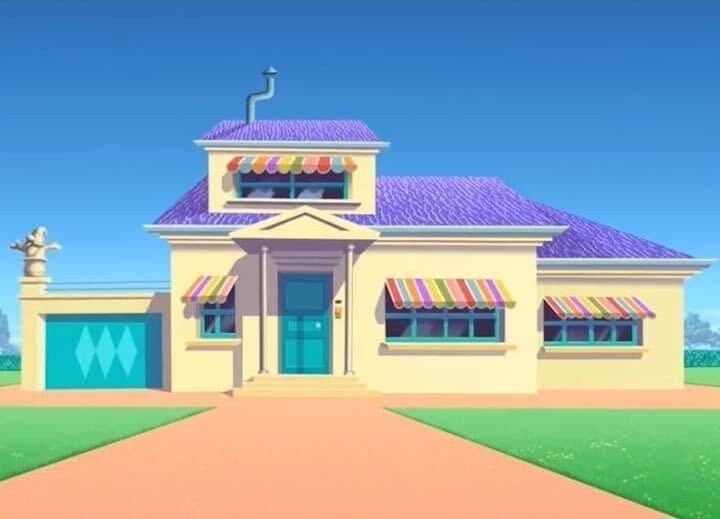
Want to star in a cartoon house video? Copy this AI prompt, generate your image, then edit it in CapCut for Reels or Shorts. Easy step-by-step guide.
The prompt
3,415 characters
Use the first image as the person, composition, camera angle and environment reference, and use the second image as the exact house reference.
Recreate the same house from the second reference image with its original architecture, exact proportions, structure, roof design, windows, doors, walls, colors, materials, textures, architectural elements and all distinctive details. Do not redesign, simplify, modify or reinterpret the house. Preserve the house's exact visual identity and architectural character.
Place the recreated house naturally in front of the person as if the house physically exists at that exact location. Integrate the house seamlessly into the environment from the first image.
Keep the person's recognizable identity, facial features, hairstyle, skin tone, body proportions, pose, clothing, accessories and overall appearance consistent with the first image. Preserve the original composition, framing, camera angle, camera perspective, lens perspective and subject positioning.
Naturally adapt the road, ground, vegetation, trees, plants, surroundings and environmental elements according to the house's location while maintaining a realistic relationship between the person, house and environment.
Match the lighting direction, intensity, color temperature, exposure, highlights, shadows, ambient light, contact shadows, reflections, atmospheric conditions and overall mood between the person, house and surroundings. Ensure the house casts physically accurate shadows and interacts naturally with the ground and environment.
Maintain accurate scale, depth, perspective, spatial relationships and camera geometry. The house must appear physically present at the location rather than pasted or composited into the image.
Use authentic real-world materials and textures, including realistic walls, roofing, glass, wood, metal, concrete, stone, paint and natural surface imperfections. Preserve subtle wear, irregularities, reflections, dirt and other realistic details where appropriate.
Make the final image look like a single real photograph captured in-camera, with consistent depth of field, focus, photographic detail, natural reflections, realistic light falloff, realistic shadows and cinematic photographic quality.
Ultra-photorealistic, physically realistic, highly detailed, cinematic photography, natural skin texture, realistic environmental details, authentic materials, realistic atmospheric depth, natural imperfections, accurate proportions and seamless photographic integration.
Absolutely no anime, illustration, cartoon, painting, 2D artwork, CGI appearance, artificial 3D render, plastic textures, artificial-looking materials, redesigned house, altered architecture, distorted structure, warped windows or doors, incorrect proportions, floating objects, unrealistic perspective, fake shadows, mismatched lighting, compositing artifacts, cutout appearance, pasted-on appearance, excessive sharpening, oversmoothing or unnatural details.
Preserve the person's recognizable identity and original pose.
Preserve the house's exact architecture and distinctive details.
Ensure natural perspective, scale, depth, lighting and contact shadows.
Ensure authentic materials, textures and subtle imperfections.
Final result should have a cinematic photographic finish while remaining completely realistic and physically believable.
Output: vertical 9:16 composition.